

Professional Background Removal
Precise, AI-powered background isolation for complex scenes and intricate details.
Precise, AI-powered background isolation for complex scenes and intricate details.
Upload Your Image
Click here or Drag & Drop a JPG, PNG, or WEBP file
Max size: 10MB
…or click below to use a sample to test:
By uploading an image or URL you agree to our Terms of Service. To learn more about how imgigo handles your personal data, check our Privacy Policy.
Isolate people and portraits with absolute precision. Our state-of-the-art AI detects fine details like individual hair strands, clothing textures, and soft edges, giving you clean, professional cutouts in a single click.

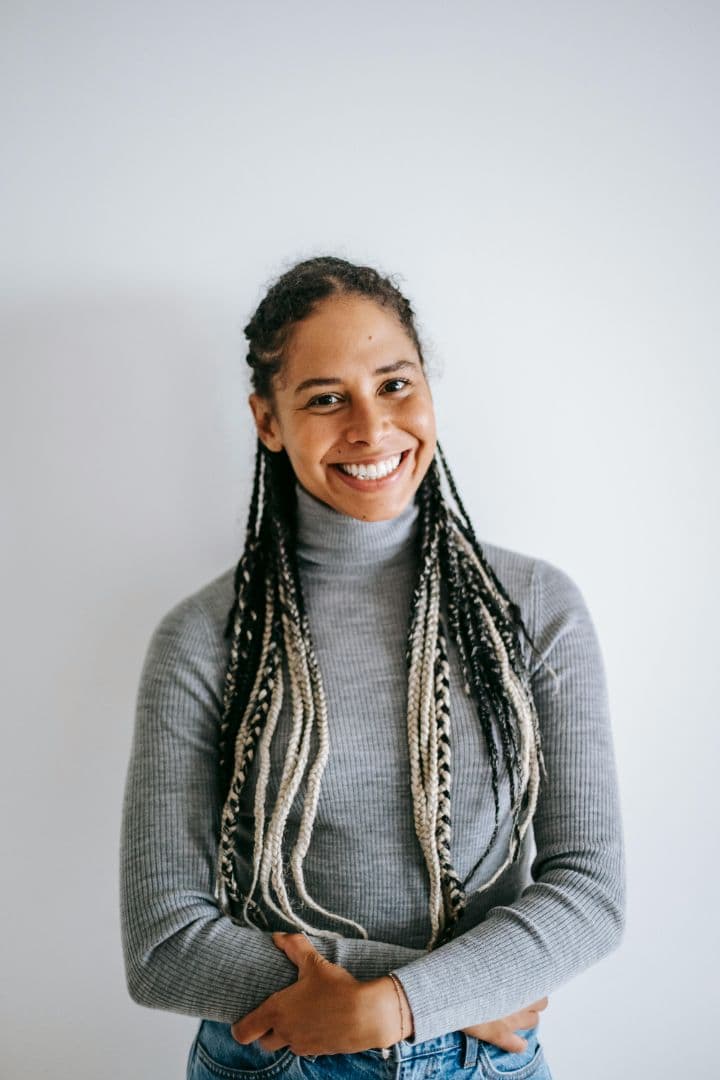
Erase any background instantly. Our advanced AI background remover creates professional-grade transparent PNGs for e-commerce product isolation, marketing assets, and graphic design with incredible precision.
Achieve pixel-perfect masking. Preserve complex edges like hair and fine textures with high-precision. Perfect for bulk image processing and detailed subject masking with no original quality loss.
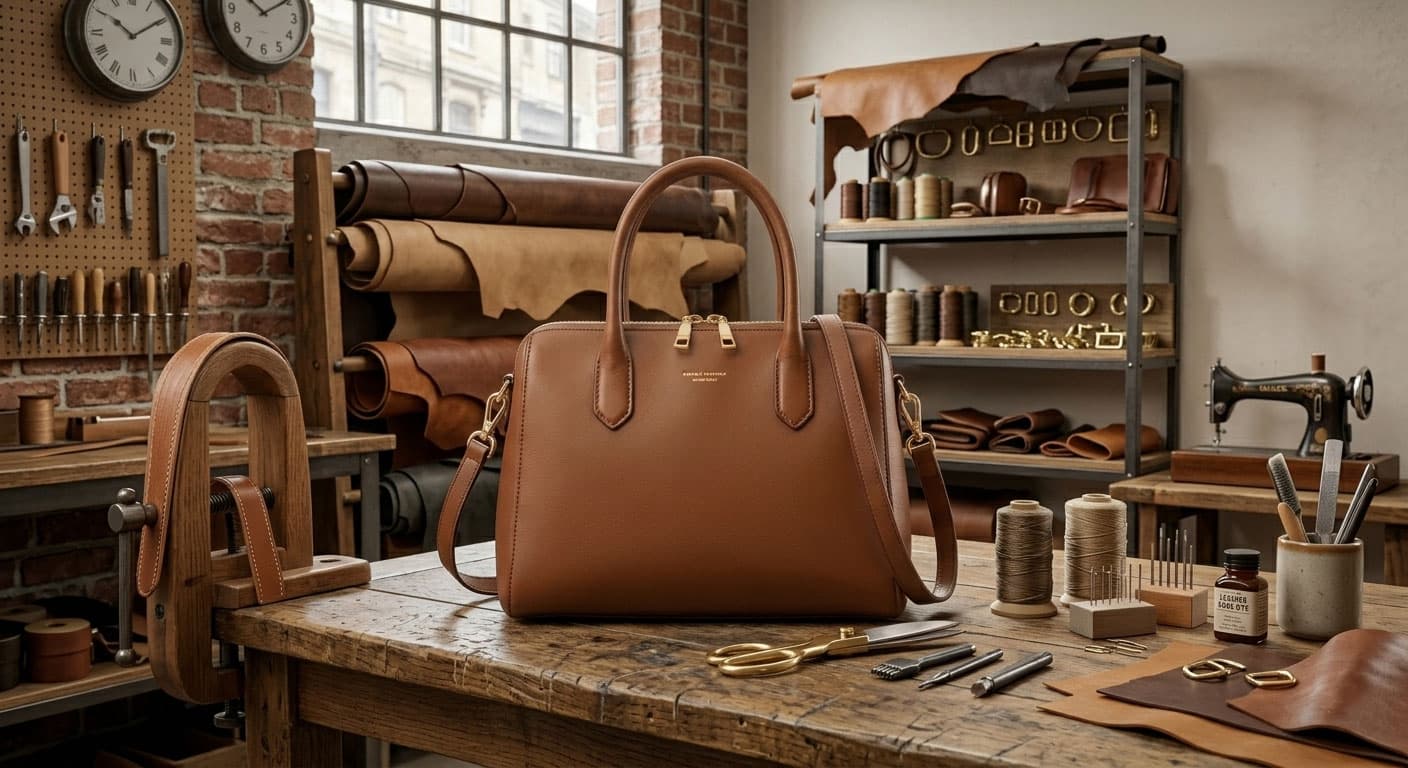 BEFORE
Original Image (complex background)
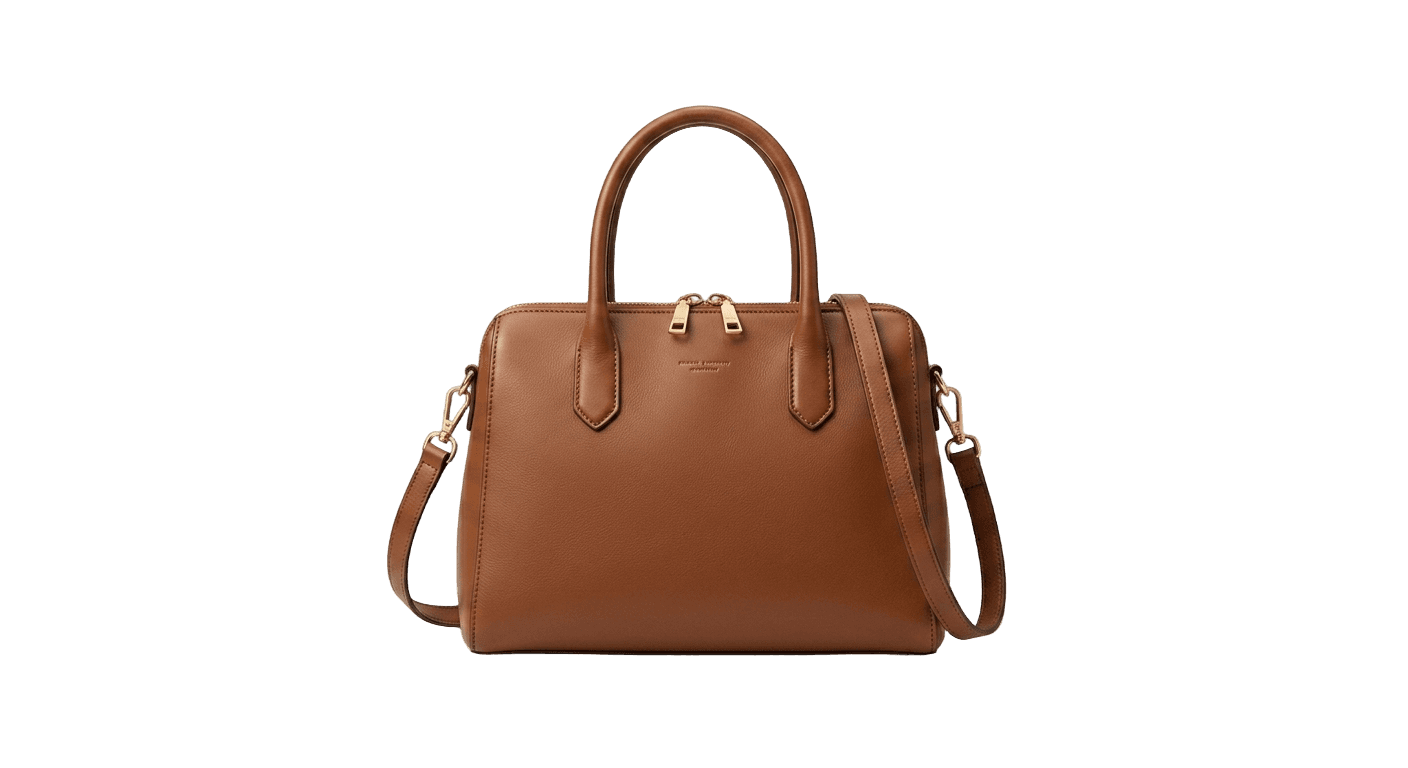 AFTER
AFTERFlawless Isolated Subject (transparent PNG)
imgigo is your go-to background remover — cut out any subject with incredible accuracy, then swap in a custom backdrop using built-in backgrounds or your own images.
AI isolates your subject with hair, edges, and fine detail preserved.
Replace the background with solid colors, gradients, or photos in one click.
Download web-ready cutouts for ecommerce, social, and design workflows.
BeforeAfterRemove the background, then add a new scene — all in the same editor
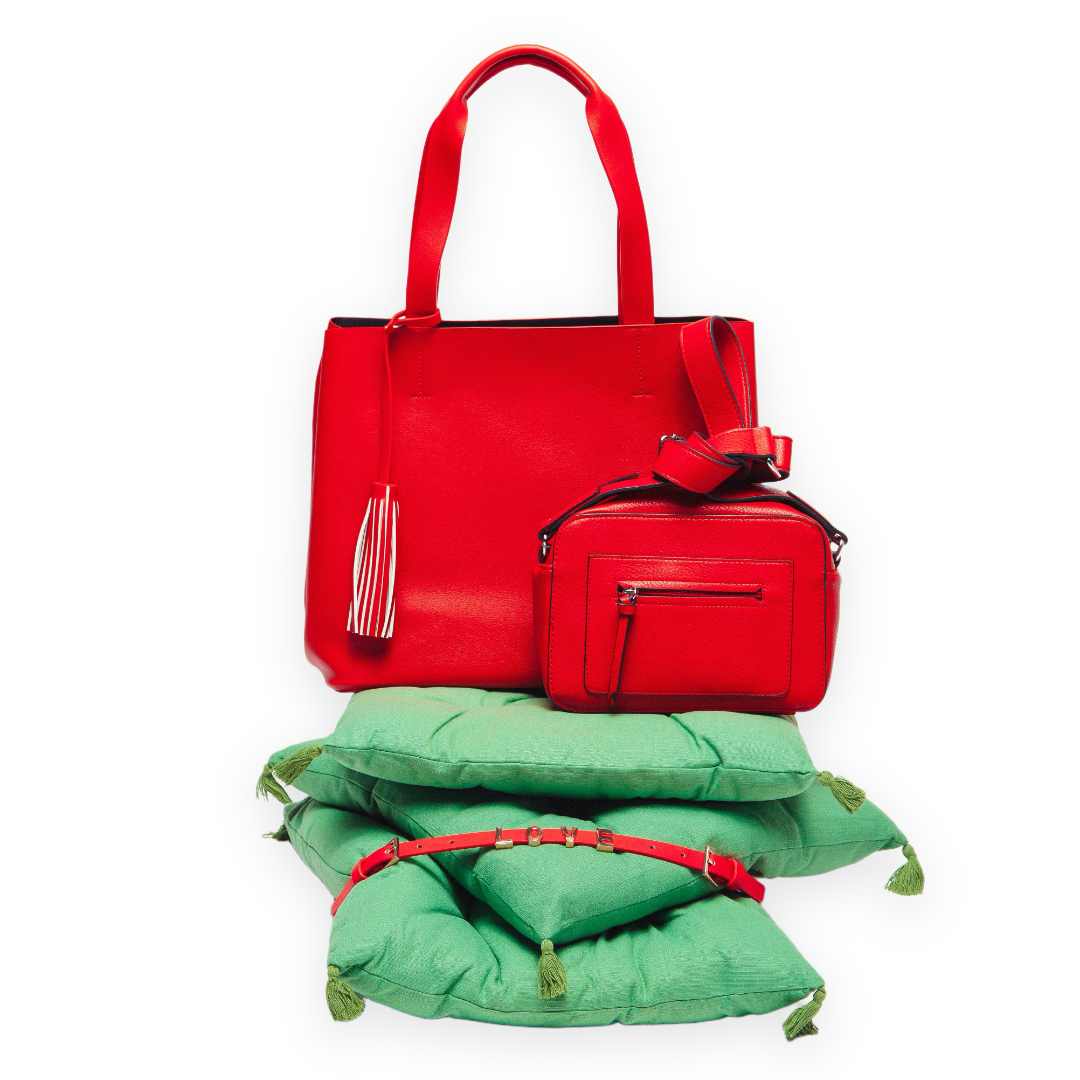
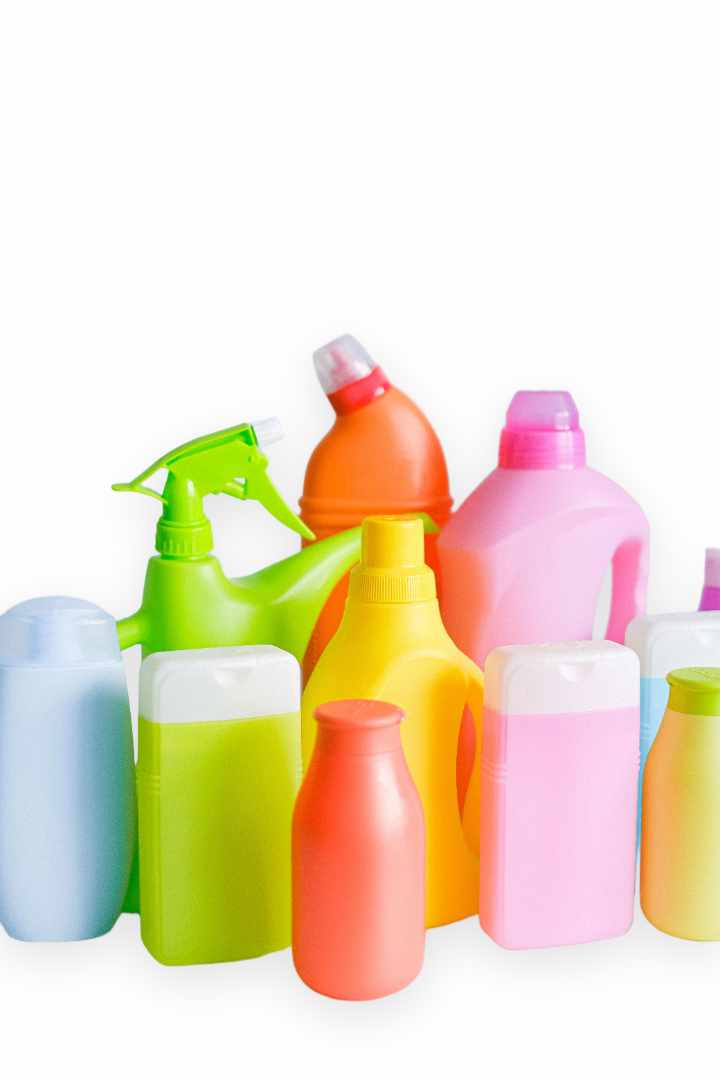
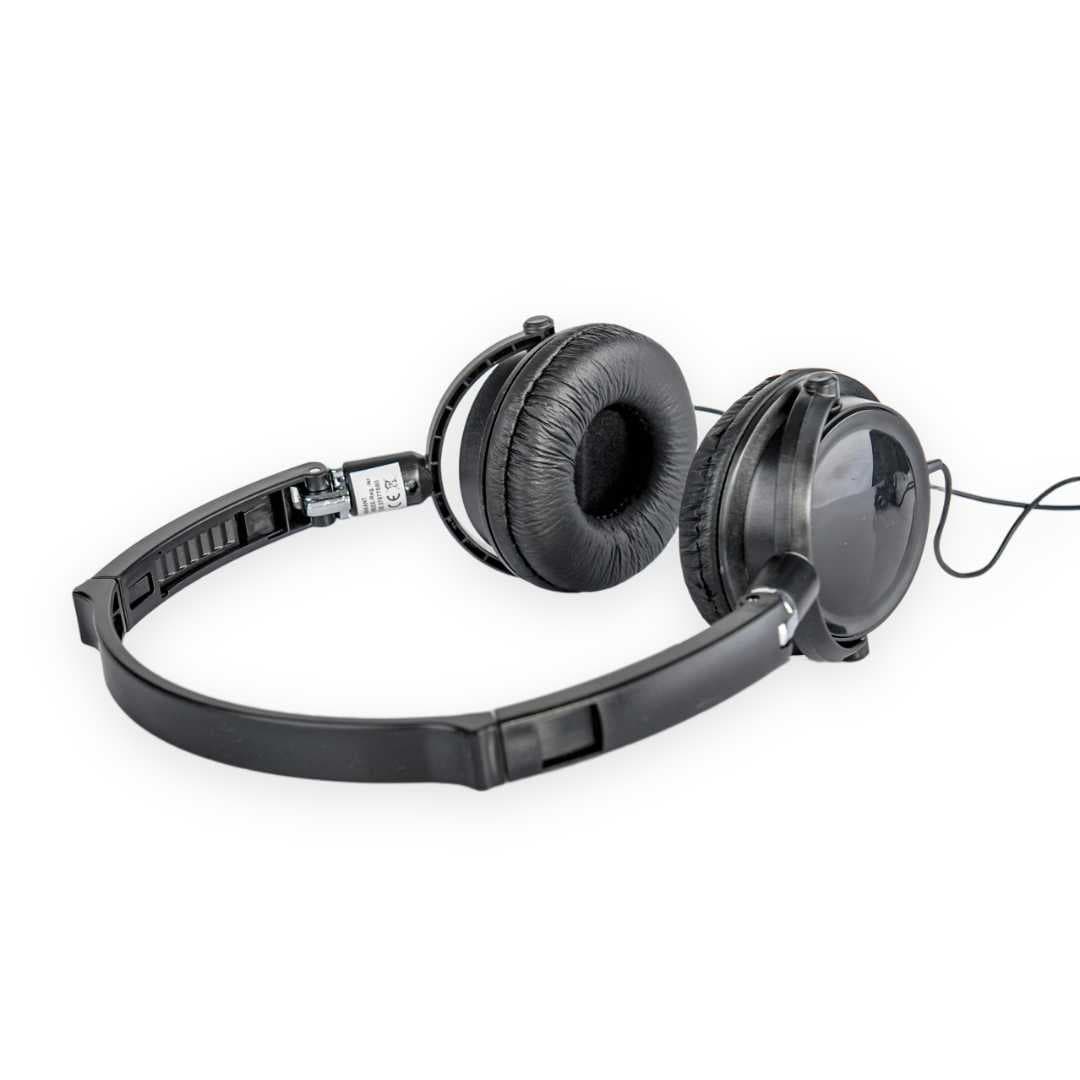
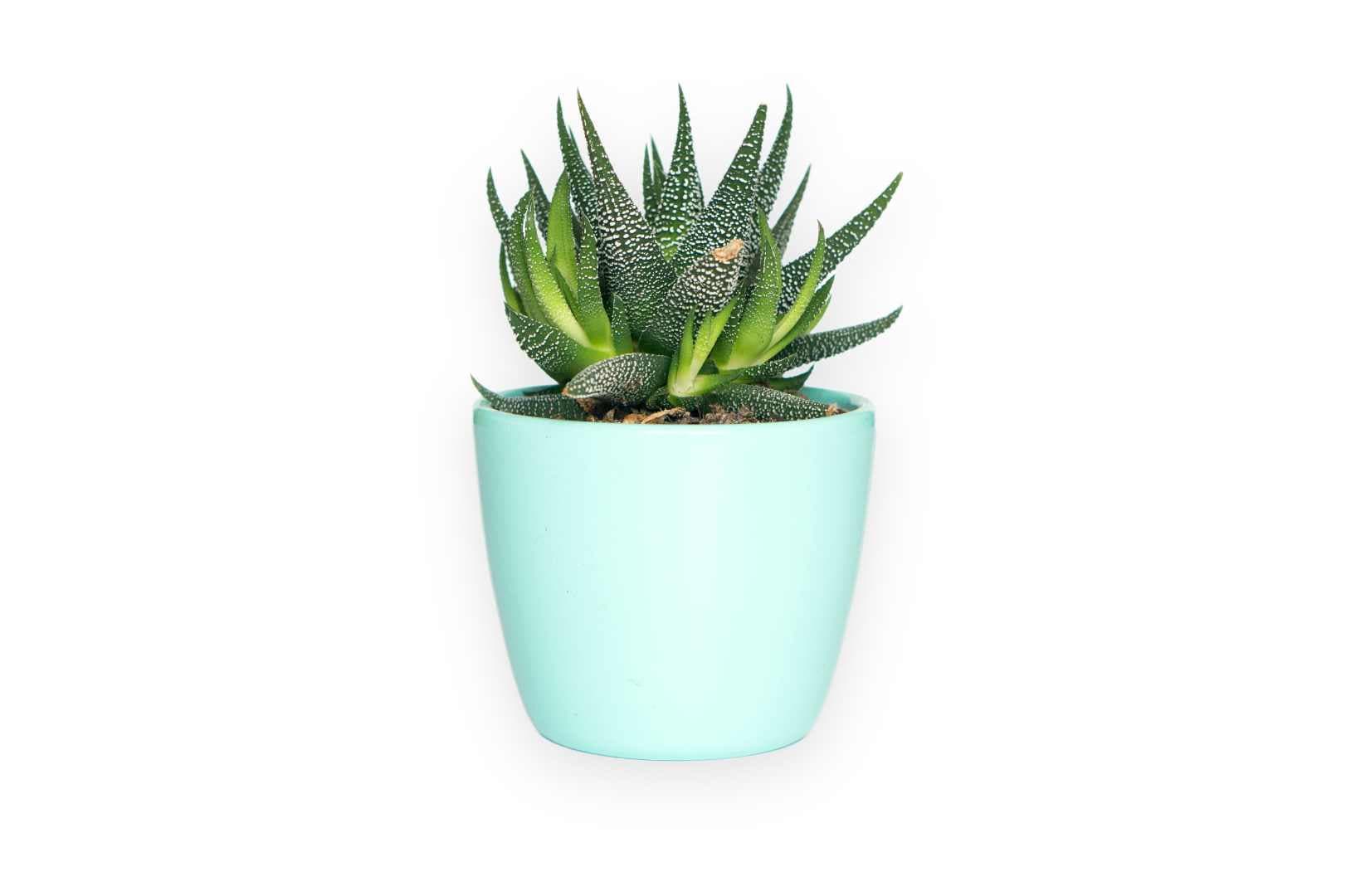
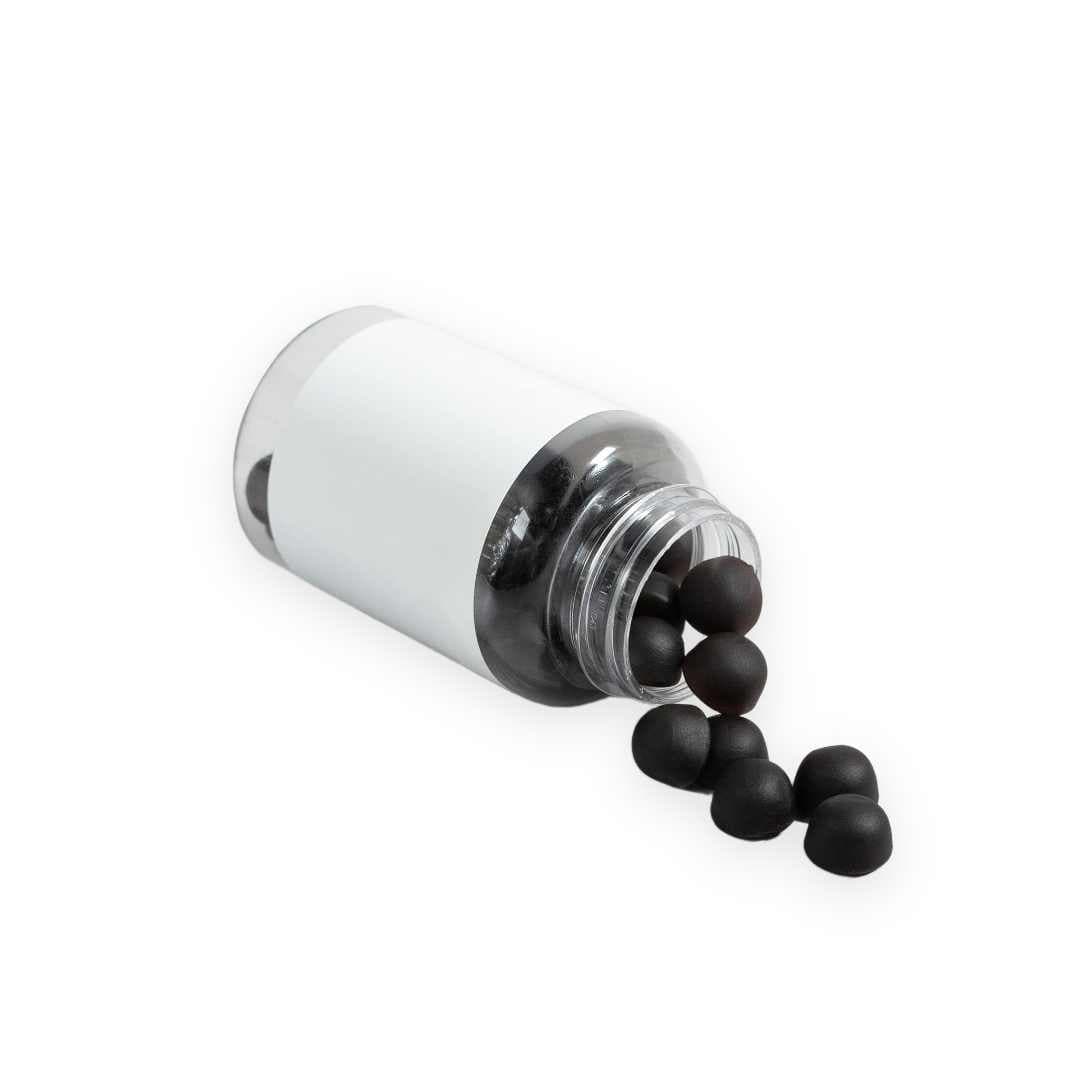
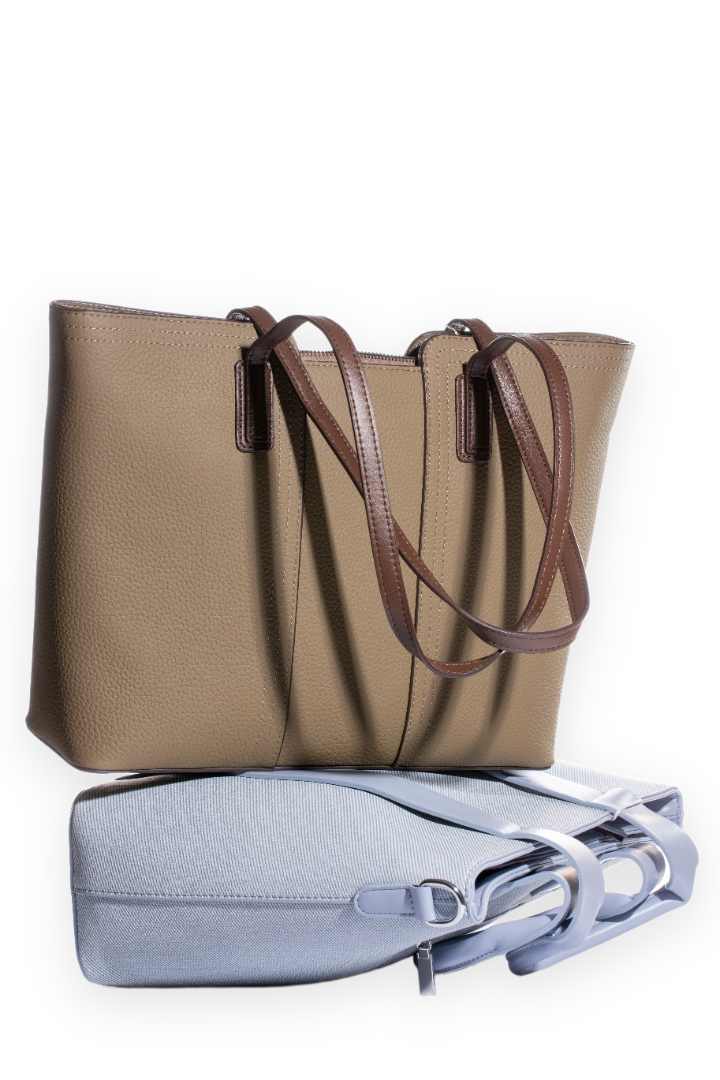
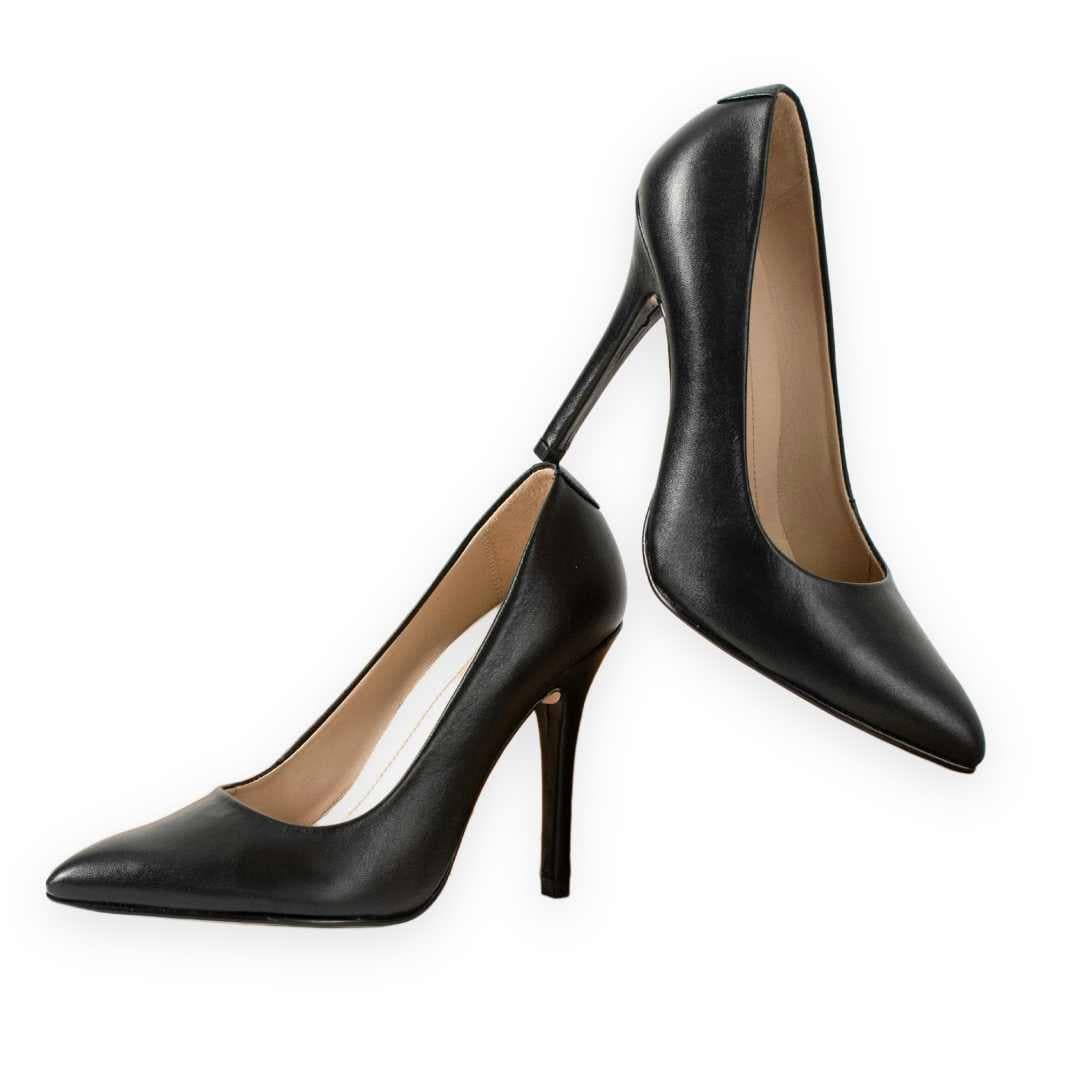
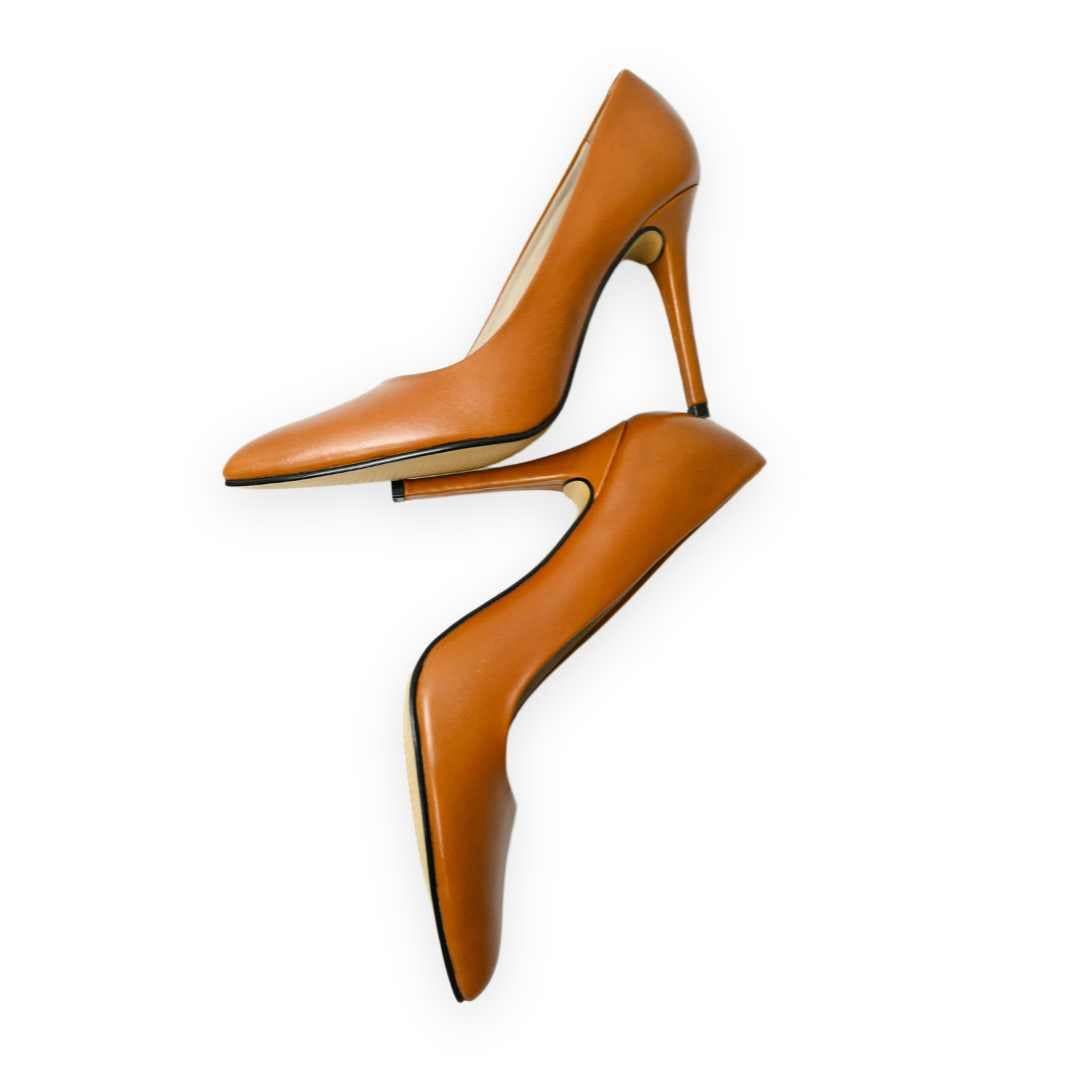
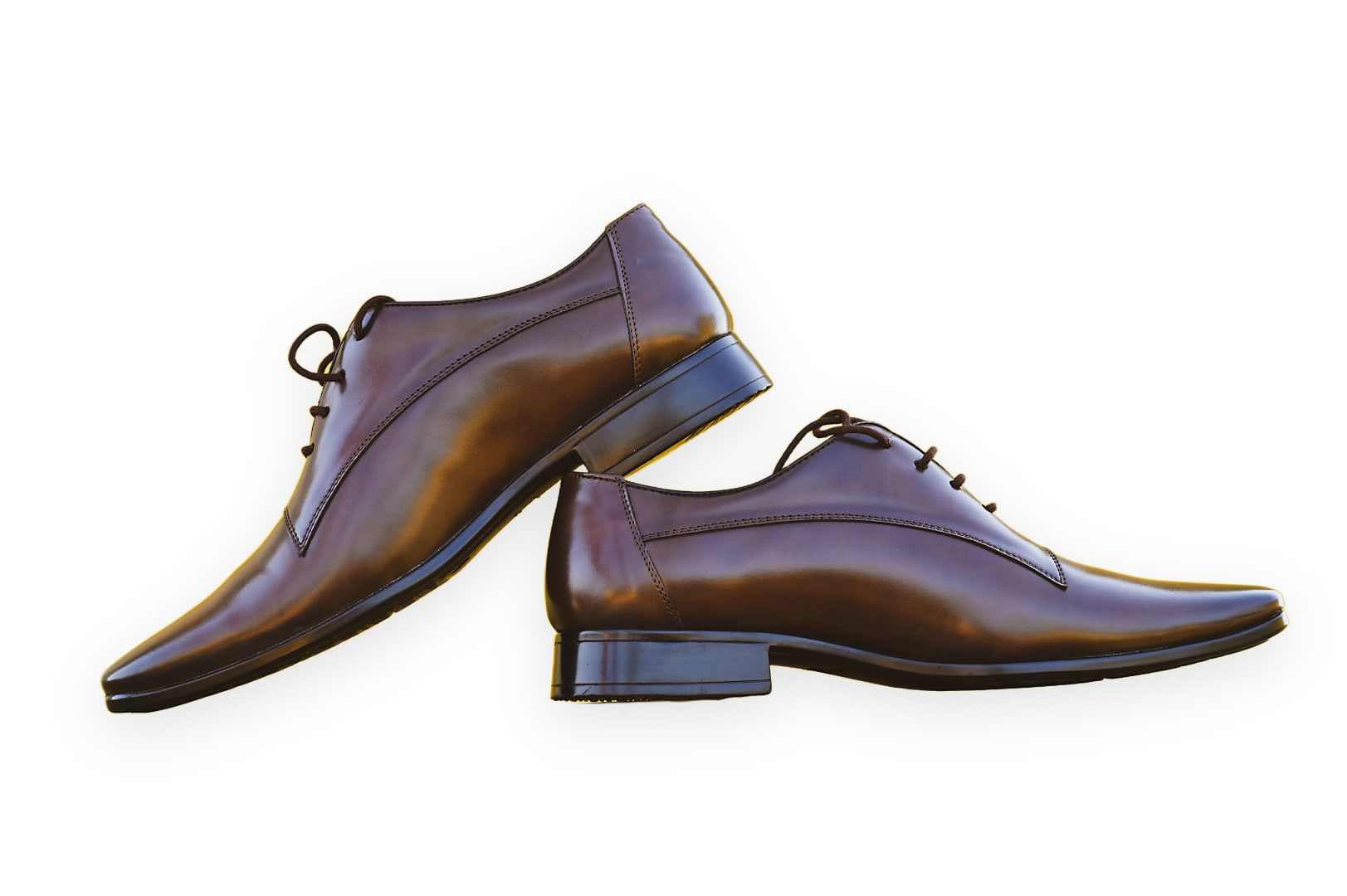
With imgigo, deleting backgrounds and extracting subjects is fast and effortless — built for solo creators, ecommerce teams, and high-volume workflows alike.
Process up to 500 images per minute. Upload a batch, remove backgrounds in parallel, and download every cutout.
Use imgigo beside Figma, Photoshop, and Zapier — export transparent PNGs straight into the tools you already rely on.
Erase backgrounds on the go with our API — embed removal into apps, stores, and custom pipelines anytime.
The all-in-one tool to remove backgrounds, export PNGs, and replace scenes instantly.
Upload any photo, isolate your subject with AI, and drop it onto transparent or custom backgrounds — all from one free editor.
Try it for FreeUpload any image and keep every detail of your subject intact.
Export clean cutouts with a flawless transparent background.
Swap to solid colors, gradients, or custom photos instantly.
Combine your cutout with any backdrop for unlimited creative options.
After you remove a background or upload a transparent PNG, use the Background panel to swap between photo backdrops, solid colors, gradients, and upcoming AI scenes.
Replace transparency with studio shots, nature scenes, textures, or your own backdrop file.
Set a flat brand color, white ecommerce backdrop, or smooth gradient behind your cutout.
AI Magic
Describe a scene and let AI place your subject in a matching environment — coming soon to imgigo.
Already have a cutout? Open the editor and click Background in the toolbar.
Teams use imgigo for ecommerce catalogs, creative production, and editorial workflows.
“We are impressed by the AI and think it's the best choice on the market for product photos.”
“imgigo is leaps and bounds ahead of the competition. It simplified our entire creative workflow.”
“Incredible ability to handle complex edges like hair without making images look jagged or amateurish.”
Quick answers about pricing, file formats, and privacy. Need more detail? Browse the full help center.
View all FAQsYes, you get 50 free images per day with no signup required. For unlimited processing, check our pricing plans.
We support JPG, PNG, WebP, and HEIC files up to 20MB in size.
No, we value your privacy. Images are processed securely and deleted immediately after the task is complete.
Upload once, let AI cut out your subject, and save a transparent PNG — the whole flow takes under a minute.
Select an image or drag and drop it into the editor. JPG, PNG, WebP, and HEIC up to 20MB.
Wait a few seconds while our AI isolates the subject — hair, edges, and fine detail included.
Preview the cutout and download a transparent PNG — free, no watermarks, no signup.
Select an image or drag and drop it into the editor. JPG, PNG, WebP, and HEIC up to 20MB.
Wait a few seconds while our AI isolates the subject — hair, edges, and fine detail included.
Preview the cutout and download a transparent PNG — free, no watermarks, no signup.
UploadDownloadUpload a photo, drop a file, paste from your clipboard, or add an image URL — then edit and download a transparent PNG in seconds.
or drop a file, paste image
Max size: 20MB · JPG, PNG, WebP, HEIC